









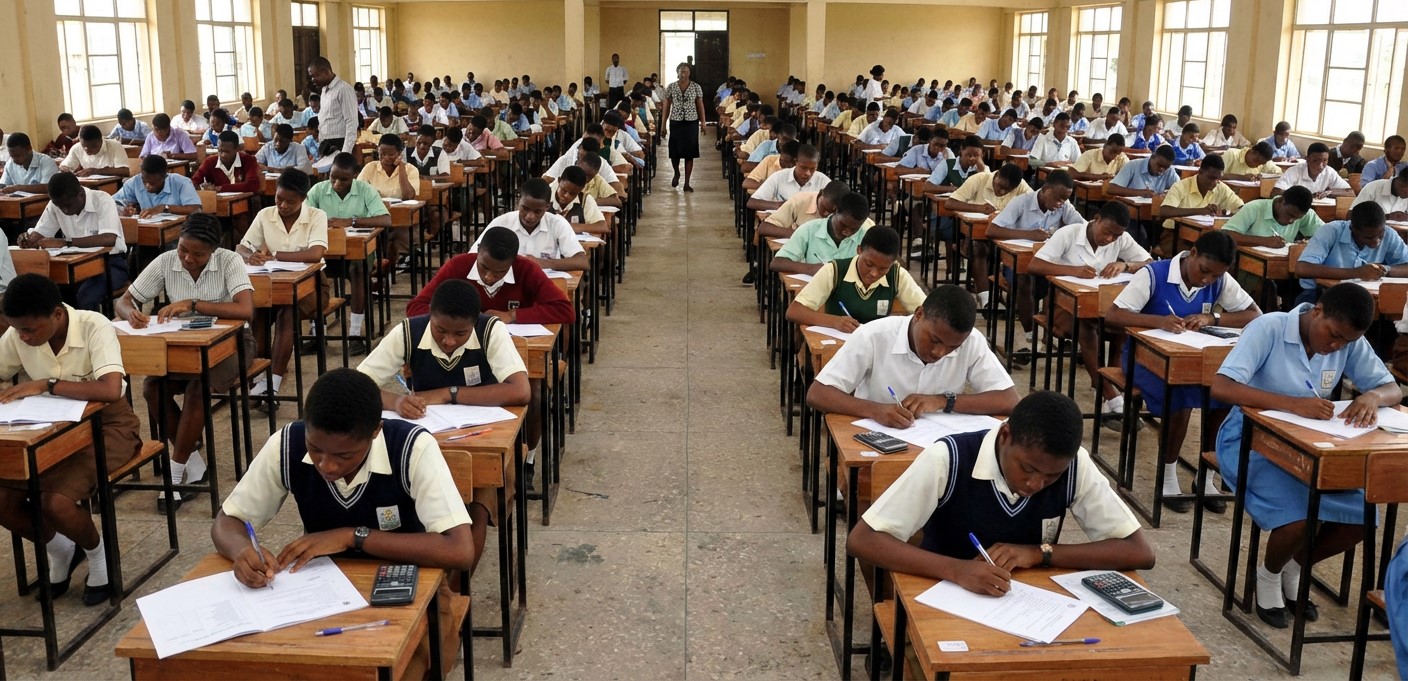
The Joint Admissions and Matriculation Board (JAMB) has officially activated the portal for the printing of the 2026 UTME Mock examination slips. This announcement comes as a relief to candidates who indicated interest during registration to sit for the mandatory mock test.
According to the board, the mock examination is scheduled to hold on March 28th, 2026. The mock slip is a crucial document as it contains vital details such as the candidate’s assigned venue, date, and time for the exam.
Candidates who qualified for the mock exam can now access and print their slips directly from the JAMB portal. Below are the two available options and step-by-step guide to check and print your slip.
Important Details to Note:
- Exam Date: March 28th, 2026.
- Requirement: Only candidates who registered early and indicated interest in the mock exam are eligible.
- Slip Content: The slip shows your CBT center, exam time, and seat number.
Option 1: How to Print Slip via the JAMB E-Facility Portal
This is the primary method for candidates who have their login details ready.
- Visit the official JAMB E-facility portal at www.jamb.gov.ng.
- On the homepage, locate and click on the “Print UTME Mock Notification Slip” link.
- You will be prompted to log in. Enter your Email Address and Password in the required fields.
- Click on the “Login” button to access your dashboard.
- Once logged in, locate the sidebar or menu and click on “Print Mock Slip”.
- Your exam details will appear on the screen.
- Click the “Print” icon to print a hard copy.
Option 2: How to Print Slip Using Registration Number
If you cannot access your profile via login or want a faster method, you can use the direct link method (if applicable for this session).
- Go to the JAMB portal at www.jamb.gov.ng.
- Look for the specific link titled “2026 UTME Mock Notification Slip” on the homepage.
- Enter your JAMB Registration Number or Email Address in the provided box.
- Click on “Print Mock Slip”.
- The system will generate your slip showing your venue and time.
- Use the print command on your browser to print the slip.
Why You Must Print Your Slip Early
Candidates are advised to print their slips immediately to confirm their exam centers. This allows you to:
- Locate your center: Visit the venue before the exam day to avoid getting lost.
- Plan your time: Know your exact reporting time to avoid lateness.
- Verify details: Ensure there are no errors in your assignment.
Good luck to all candidates sitting for the 2026 Mock Examination