









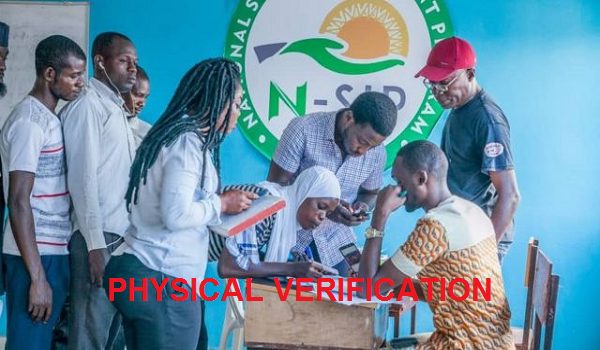
The shortlisting process as begun for the N-Power Batch C candidate and a compulsory Biometric fingerprint be done via the NASIMS portal.
If you are one of the candidate that got a congratulatory message on your dashboard, it is neccesary to visit the NASIM portal to complete your registration.
Click Here to download the Nasims Npower biometric Software.
The NASIMS steps for N-Power biometric enrolment
Applicants are to strictly adhere to the following instructions;
Login to nasims.gov.ng
Click verification tab
Click “Capture your finger”
Install enrolment app
Re-enter credentials, and “click proceed”
Click on “Begin enrolment”
Submit and Save Enrolment
End and exit app.
Note: The NPower Biometrics Enrollment mainly for shortlisted applicants